
Download Gaming Keyboard Splitter – Multiplayer Gaming, Xbox 360 Controller, Keyboard Virtualization, Windows Utility, Productivity Tool
Overview
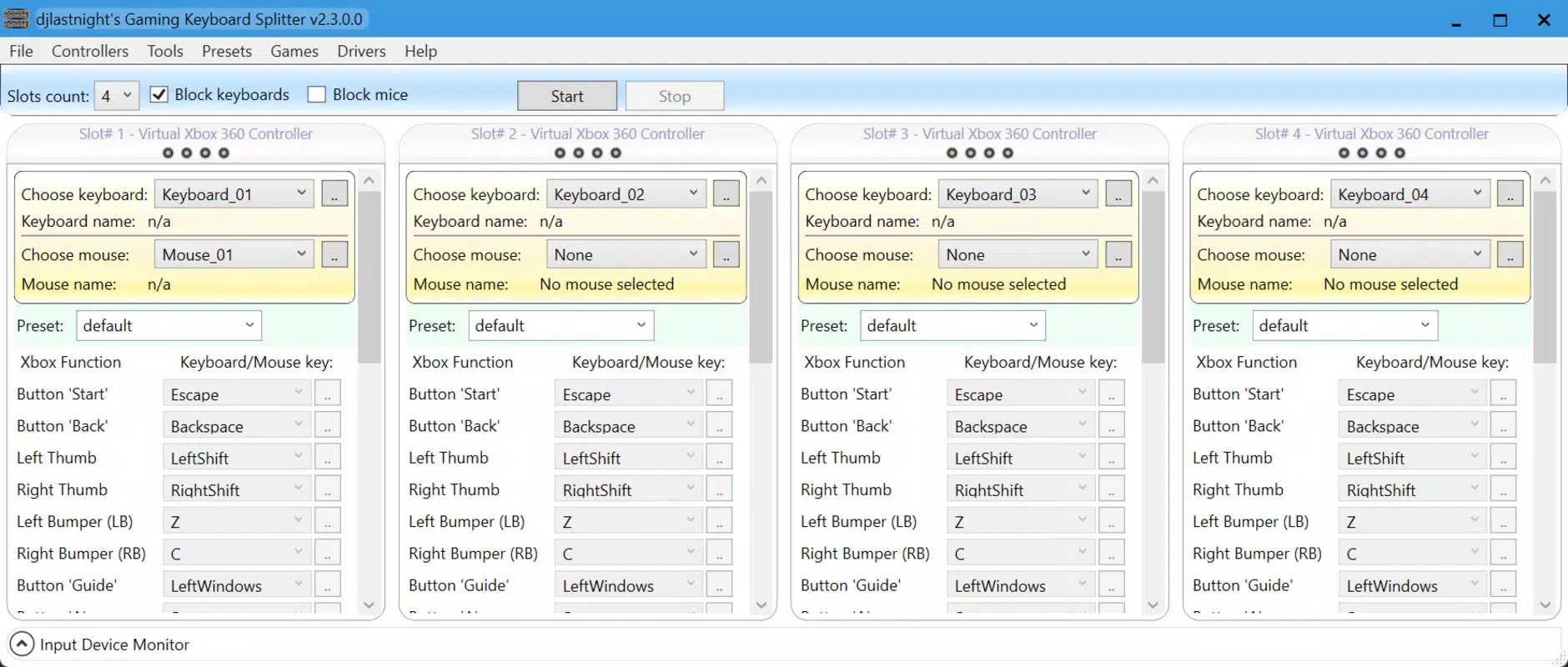
Gaming Keyboard Splitter is a specialized utility designed for Windows users who want to elevate their multiplayer gaming experience. The app enables up to 10 physical keyboards to be simultaneously connected and assigned to four distinct Xbox 360 controller profiles. This functionality allows multiple players to use individual keyboards as independent input devices, effectively turning a standard gaming setup into a shared multiplayer environment without the need for additional hardware. The app is particularly beneficial for gaming sessions involving friends or family, where each participant can use their own keyboard while maintaining full control over their in-game actions.
Target users include PC gamers, streamers, and hobbyists who value flexibility and customization in their gaming setups. The application solves the common challenge of limited controller inputs by virtualizing keyboard inputs into Xbox-compatible controller signals. This makes it easier to play games that natively support Xbox 360 controllers but lack support for multiple keyboards. Real-world use cases include hosting local multiplayer events, competitive gaming tournaments, or even educational demonstrations involving interactive keyboard-based applications.
Although the developer did not provide additional background details, the app’s focused functionality suggests a niche development team with expertise in input device emulation and Windows driver integration. Its presence in the Windows ecosystem highlights a growing demand for tools that bridge hardware limitations and enhance user control in gaming and productivity environments.
Key Features & Functionality
- Multiple Keyboard Support: The app allows up to 10 physical keyboards to be connected via USB and assigned to individual Xbox 360 controller profiles. This enables simultaneous gameplay for multiple users, each using their own keyboard as a dedicated controller.
- Virtual Controller Creation: Gaming Keyboard Splitter generates up to four virtual Xbox 360 controllers, each capable of receiving input from a separate keyboard. This virtualization ensures compatibility with games that recognize Xbox 360 controllers, expanding the range of playable titles.
- Real-Time Device Detection: As keyboards are plugged in, the software detects them instantly without requiring a restart or manual configuration. This streamlines setup time and enhances usability during impromptu gaming sessions.
- Cross-App Compatibility: Beyond gaming, the app supports any Windows application that recognizes Xbox controllers. This extends its utility to productivity tools, automation scripts, and custom software that rely on controller input, offering a broader functional scope.
- Anti-Ghosting Support Requirement: To ensure accurate key detection during fast-paced gameplay, the app requires keyboards with anti-ghosting capabilities. This prevents input lag or missed keystrokes when multiple keys are pressed simultaneously, maintaining precision under pressure.
For example, in a multiplayer racing game, each player can use their own keyboard to control different aspects of their vehicle, such as steering, acceleration, and braking, all mapped through individual virtual controllers. Similarly, in a strategy game, team members can input commands simultaneously, improving coordination and responsiveness.
Interface, UX & Performance
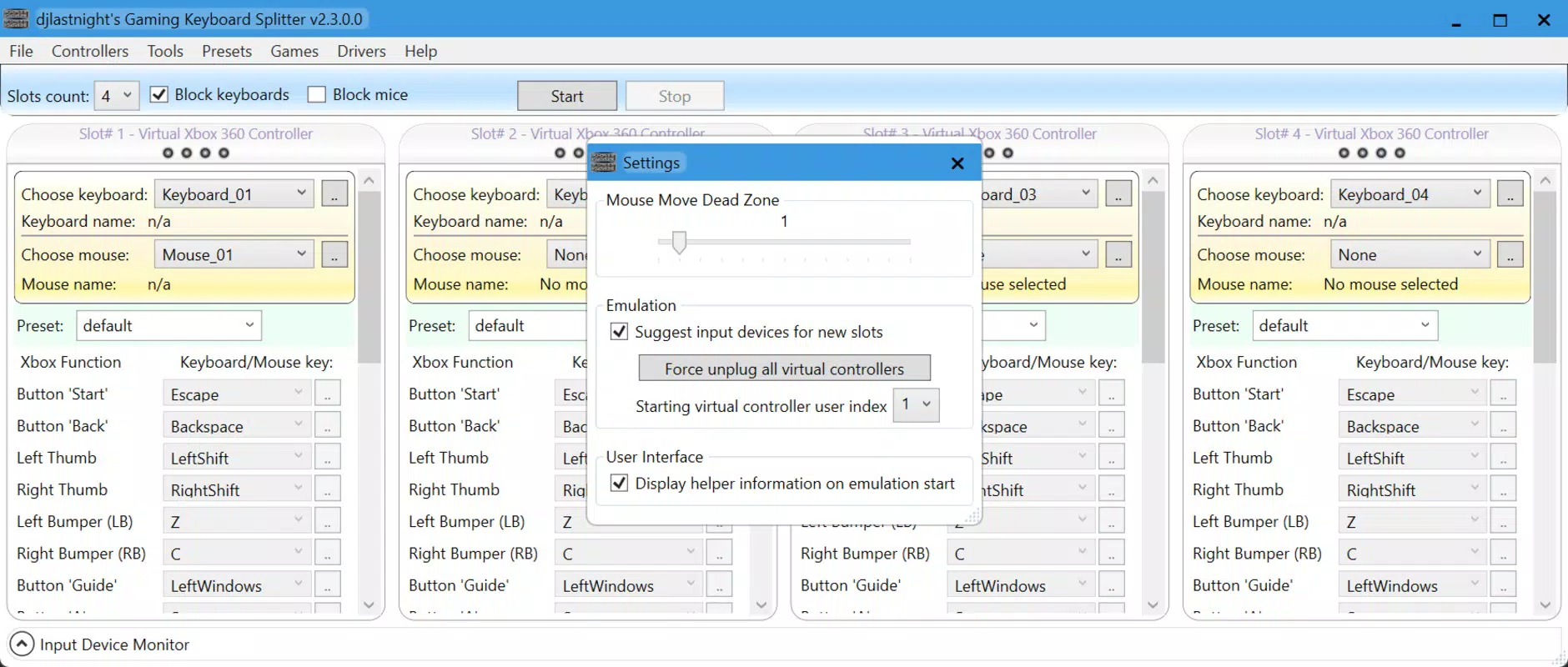
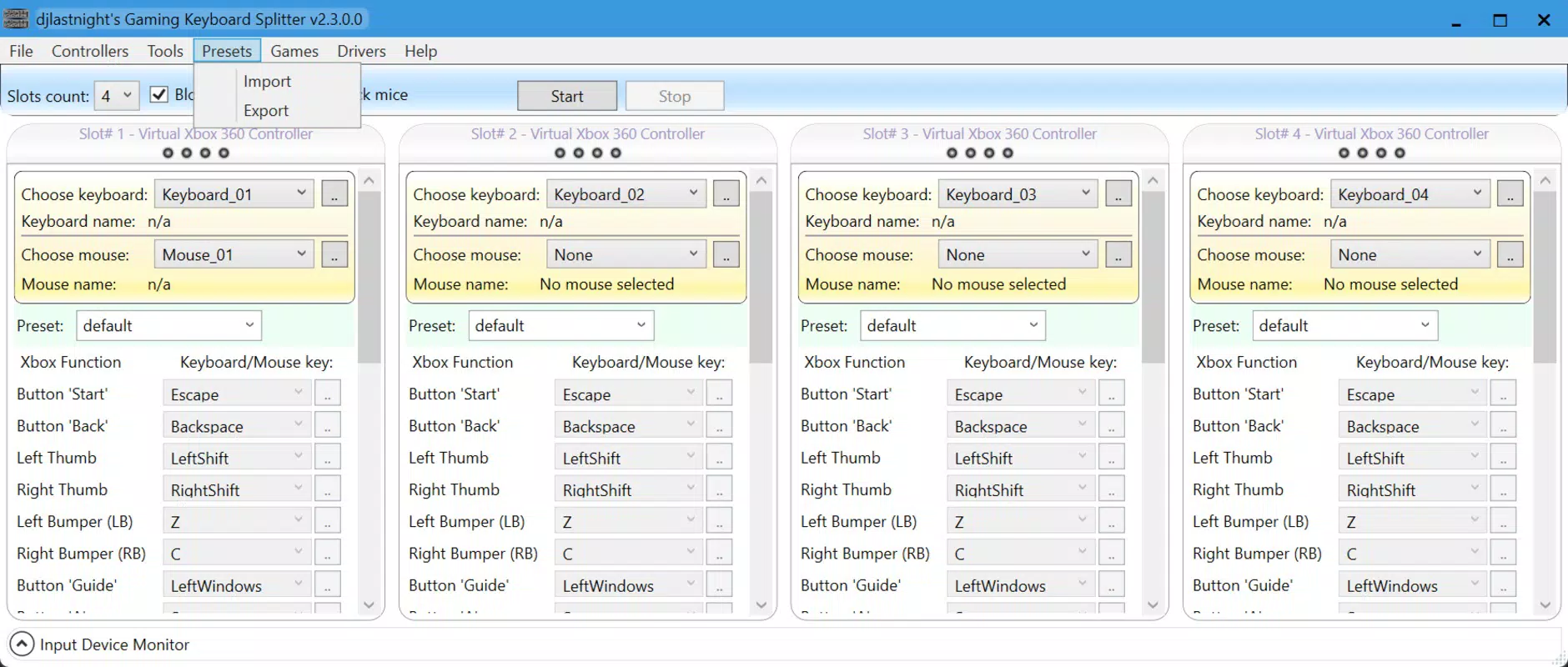
The user interface of Gaming Keyboard Splitter appears to be minimalistic and focused on functionality, with a layout centered around device management and controller assignment. While specific UI details were not provided, the app’s real-time detection and straightforward setup suggest a streamlined navigation flow. Users can likely assign keyboards to profiles through a simple drag-and-drop or dropdown selection system, reducing the learning curve for new users.
Although the developer did not list formal performance metrics, the app’s ability to detect multiple USB devices in real time implies efficient background processing. The application likely operates with low latency, ensuring that keystrokes are translated to controller inputs with minimal delay. This is critical in fast-paced gaming scenarios where timing is essential.
Performance across different device categories—such as low-end laptops, high-performance desktops, and mid-tier systems—was not specified. However, the app’s lightweight nature, as inferred from its focused purpose, suggests it should run smoothly on most modern Windows machines. Stability during extended gaming sessions is expected, given its specialized design and lack of resource-heavy features.
Platform Compatibility & Technical Requirements
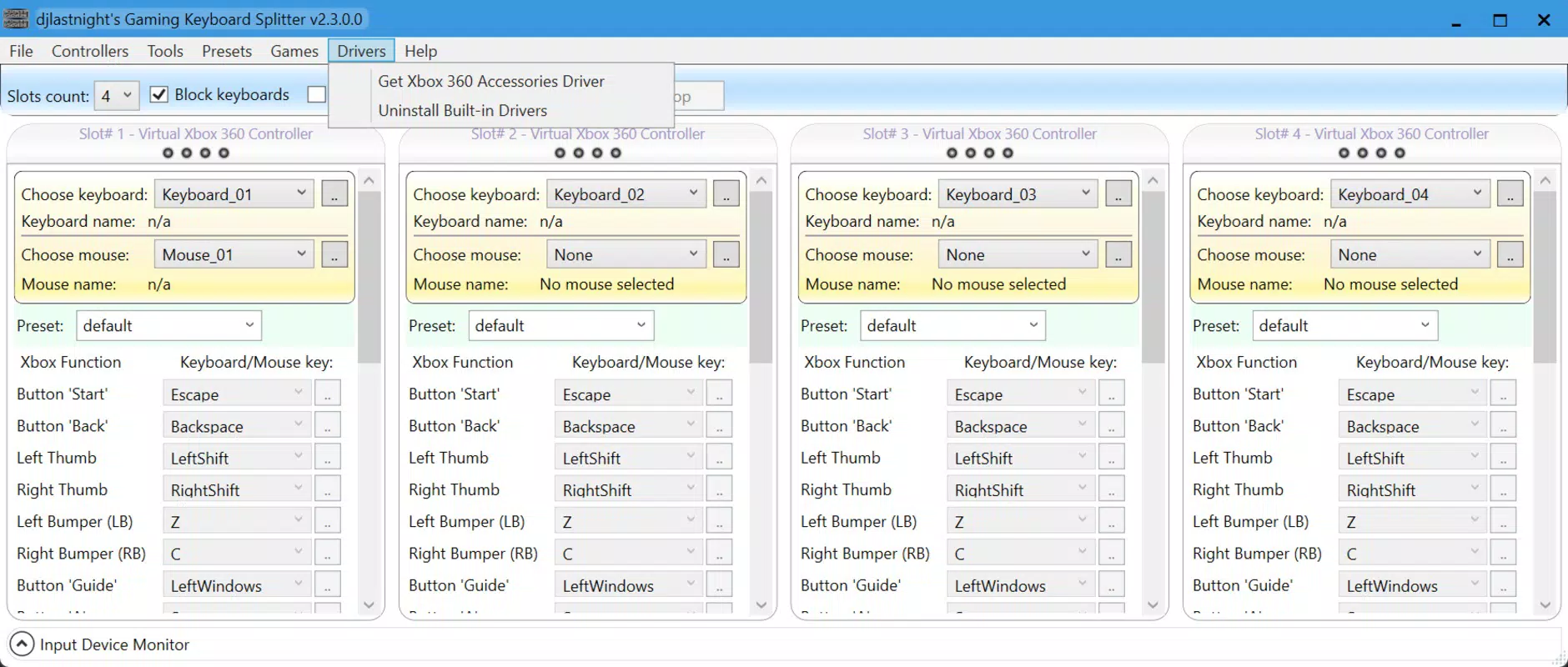
Gaming Keyboard Splitter is designed for the Windows operating system. The app requires the Microsoft Xbox 360 Controller Driver to function properly, indicating integration with Windows’ native driver framework. Specific OS version requirements were not listed, and compatibility with older Windows versions remains unclear.
The app’s file size was not disclosed, but based on its utility-focused nature, it is likely to be lightweight. No additional hardware requirements beyond USB keyboards and a compatible Windows system were mentioned. The developer did not specify minimum system requirements, so users are advised to ensure their system supports USB input handling and Xbox controller recognition.
Pros and Cons
- Enables multiplayer gaming using multiple keyboards without extra hardware
- Supports up to 10 keyboards and 4 virtual Xbox 360 controllers
- Real-time detection of connected keyboards simplifies setup
- Extends functionality to non-gaming Windows applications that support Xbox controllers
- Optimized for fast-paced gaming with anti-ghosting support requirement
- Requires the Microsoft Xbox 360 Controller Driver for full functionality
- Does not support non-USB keyboards or wireless input devices (if not specified)
- Anti-ghosting capability is mandatory, limiting compatibility with older or low-end keyboards
- Platform is restricted to Windows; no information on Android or iOS availability
- Specific performance benchmarks or system requirements were not disclosed
FAQ
Is Gaming Keyboard Splitter compatible with all Windows versions?
The developer did not specify the minimum Windows OS requirements. Users should ensure their system supports USB input and Xbox controller drivers.
Can I use wireless keyboards with Gaming Keyboard Splitter?
Compatibility with wireless keyboards was not confirmed. The app is designed for USB-connected keyboards, and wireless functionality depends on the keyboard’s driver support.
Do I need to install additional drivers to use this app?
Yes, the Microsoft Xbox 360 Controller Driver is required for the app to function properly. This driver is typically available through Windows Update or Microsoft’s official download center.
Is Gaming Keyboard Splitter safe to download and install?
The app is designed for Windows and appears to operate within standard system permissions. Users should download from trusted sources to ensure security.
How many players can use the app simultaneously?
Gaming Keyboard Splitter supports up to 10 keyboards, each assignable to one of four virtual Xbox 360 controller profiles. This allows for up to four players to play simultaneously, each using their own keyboard.
Final Thoughts
Gaming Keyboard Splitter delivers a unique solution for gamers seeking to expand their multiplayer capabilities on Windows. By transforming multiple keyboards into virtual Xbox 360 controllers, it unlocks new possibilities for local multiplayer experiences and collaborative gameplay. Its real-time detection, cross-app compatibility, and focus on input accuracy make it a valuable tool for both casual and competitive users.
While the app has limitations—such as the need for anti-ghosting keyboards and the requirement of an external driver—it remains a powerful utility for those invested in maximizing their gaming setup. The absence of detailed technical specifications is notable, but the app’s clear purpose and targeted functionality speak to its reliability within its intended scope.
For anyone hosting multiplayer gaming nights, running educational demos, or enhancing workflow with controller-based applications, Gaming Keyboard Splitter offers a practical and innovative approach to input management. Its niche focus and efficient design make it a standout tool in the Windows gaming utility space.
Download Gaming Keyboard Splitter now


